
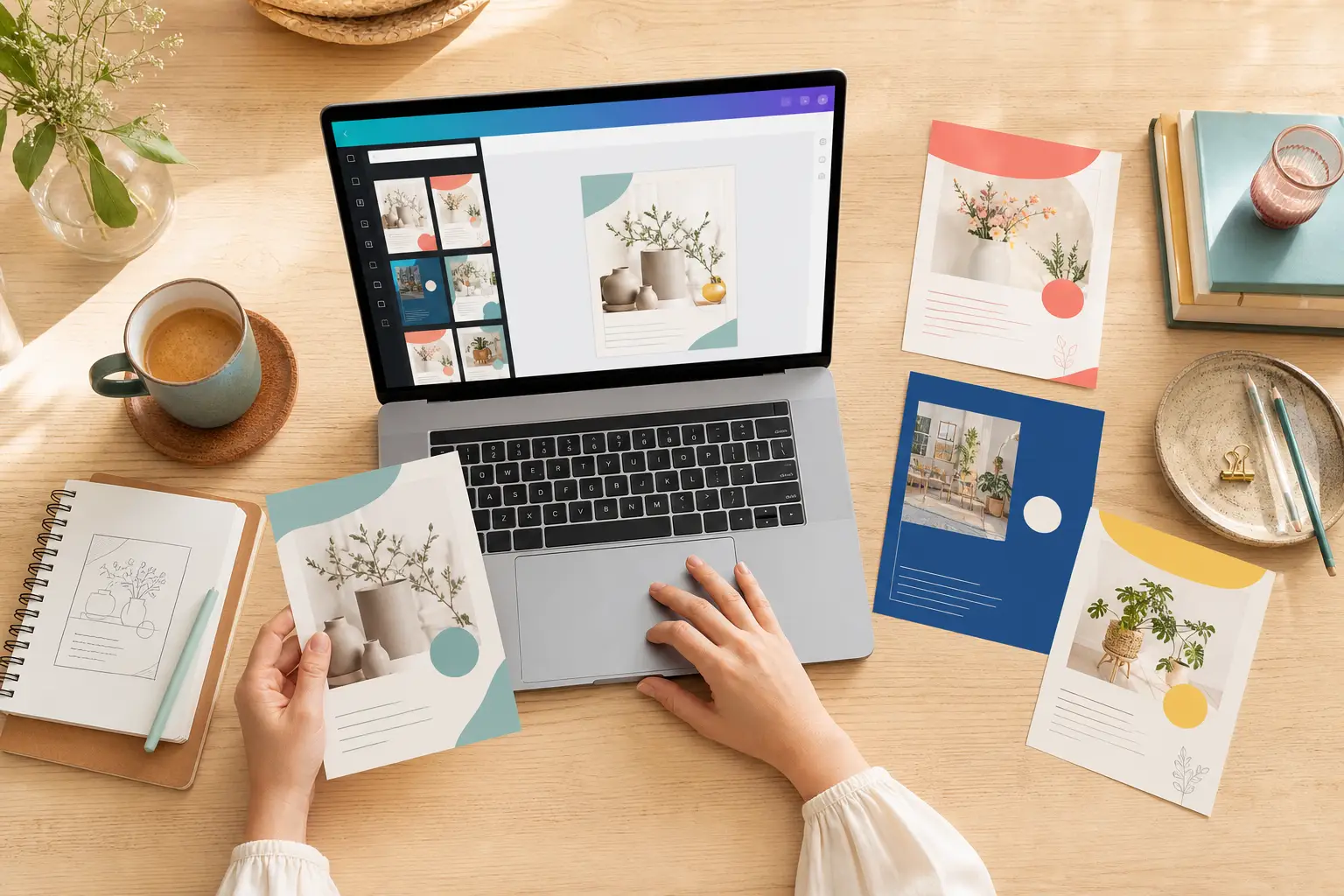
Canva is useful when you want to create your own flyer, poster, business card or invitation. A design only becomes print-ready when its size, bleed, margins, image quality and export match the selected product. This guide helps you avoid the most common mistakes.
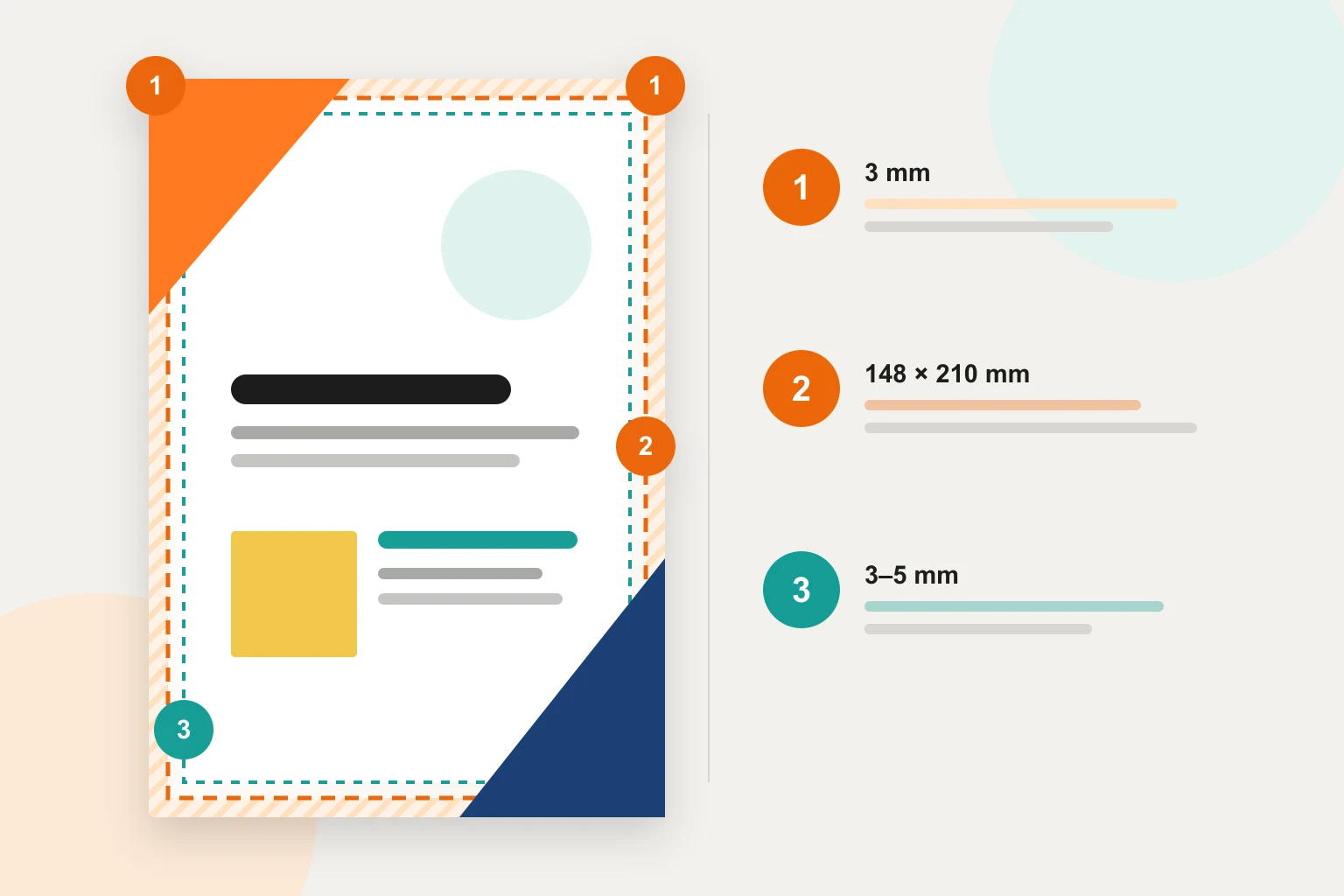
The three zones of reliable print artwork
Do not think only about the visible page. Professional artwork includes the finished size, an extra outer area for trimming and a protected inner area for all essential content.
Use a Canva template or start from scratch?
Canva offers many ready-made design templates for flyers, posters, business cards and other formats. You can use one as a creative starting point or begin with a blank page. In both cases, decide on the printed product and finished size first.
- Use a Canva template: search for the required item, such as “A5 flyer”, then check the document’s actual dimensions.
- Adapt the template properly: replace its colours, fonts, images and wording rather than changing only the logo and contact details.
- Start from scratch: create a blank custom-size design in millimetres and enter the required finished size exactly.
- Special products: for folded leaflets, folders, packaging, banners, contour cutting or finishes, agree the format and technical requirements with us before designing.
Set up bleed and a safe area in Canva
Turn on Canva’s print bleed display and extend every edge-to-edge image, colour and shape beyond the outer guide. Keep text, logos, QR codes and faces comfortably inside the finished size.
- Choose the product, finished size and portrait or landscape orientation before designing.
- Turn on the print bleed view in the file or view settings.
- Extend backgrounds fully into the bleed to prevent white slivers after trimming.
- For simple print, keep important content commonly at least 3 to 5 mm inside the trim; discuss special products with us first.
- Avoid thin borders close to the edge, where even a small cutting tolerance becomes obvious.
- Keep fold, drill, cut and seam zones clear when the product includes them.
Example: A5 with 3 mm bleed
A5 has a finished size of 148 × 210 mm. With 3 mm bleed on each edge, the artwork size is 154 × 216 mm. When using Canva’s built-in bleed workflow, the canvas normally remains at finished size and the extra area is added during the appropriate PDF export. Always check the actual PDF page size after downloading.
Images, logos, fonts and colours
A sharp screen preview does not guarantee sharp print. Use original files wherever possible and judge each image at the size at which it will actually be printed.
- For many flyers, cards and brochures, 300 dpi at finished size is sensible; a full-page A5 image is roughly 1748 × 2480 pixels.
- Avoid small web images, screenshots and photos compressed by messaging apps.
- Upload logos as SVG or another suitable vector format where possible; otherwise use a large transparent PNG.
- Avoid very small type and ensure good contrast, particularly with pale type on a dark background.
- Most print uses CMYK. Bright RGB colours may look more muted on paper; choose a CMYK profile on export when your Canva plan and the job support it.
- Spot colours, white ink, varnish, foil or contour cutting need separate production layers and are not a standard Canva export; contact us first.
Export correctly from Canva
Do not simply download a JPG or PNG when the layout is finished. For conventional print products, “PDF Print” is the right starting point. Inspect the exported file itself, not only the design in Canva.
- Under “Share” and “Download”, choose “PDF Print” as the file type.
- Export only the required pages and check their order and orientation.
- Enable bleed and check that every edge-to-edge element really extends into it.
- Choose CMYK only when available and suitable for the product; agree important brand colours beforehand.
- Use “Flatten PDF” only if it is needed or we recommend it; keep the Canva sharing link for possible corrections.
- Open the PDF in a separate viewer at 100% and check dimensions, pages, wording, spacing and image sharpness.
The short checklist before sending your file
Take two minutes to inspect the export. Most questions are caused not by Canva itself, but by the wrong size or missing product information.
- Product, finished size, quantity and material are confirmed.
- The PDF matches the agreed finished size plus the required bleed.
- Every edge-to-edge element extends fully into the bleed.
- Text, logos, QR codes and important subjects sit inside the safe area.
- Images have enough resolution at final size.
- All pages are present, correctly oriented and in the right order.
- Canva guides and accidental draft elements are invisible.
- The PDF is clearly named and usage rights for images and fonts have been checked.
Frequently asked questions about Canva print files
Can Evodruck open my Canva design directly?
The most reliable option is to send us the exported PDF Print file. A Canva sharing link can also help if you authorise us to make small adjustments.
Should I create the finished size or the full artwork size?
Start with the finished size in Canva and then turn on the bleed view. For A5, first enter 148 × 210 mm; the extra bleed area is added during PDF export.
How large should the safe margin be?
For simple flyers and cards, 3 to 5 mm inside the trim is often sensible. Folds, drill holes, banners and other products can need larger or uneven clearances, so discuss them with us before designing.
Why does the printed colour differ from my screen?
Screens create light in RGB, while paper reflects light and is usually printed in CMYK. Some bright screen colours therefore cannot be reproduced exactly in print.
Can I print an unchanged Canva template?
Check it technically, creatively and legally first. Adapt it to your brand, confirm the licences and make sure size, bleed and clearances suit the ordered product.
Do you check my PDF before printing?
Yes, within the agreed artwork check. Copy errors, usage rights and contract-proof colour remain your responsibility unless you order additional design work or a proof.
A quick check before printing pays off
Send us the PDF, product, finished size, quantity and deadline. We will check whether bleed, spacing and technical output work together.