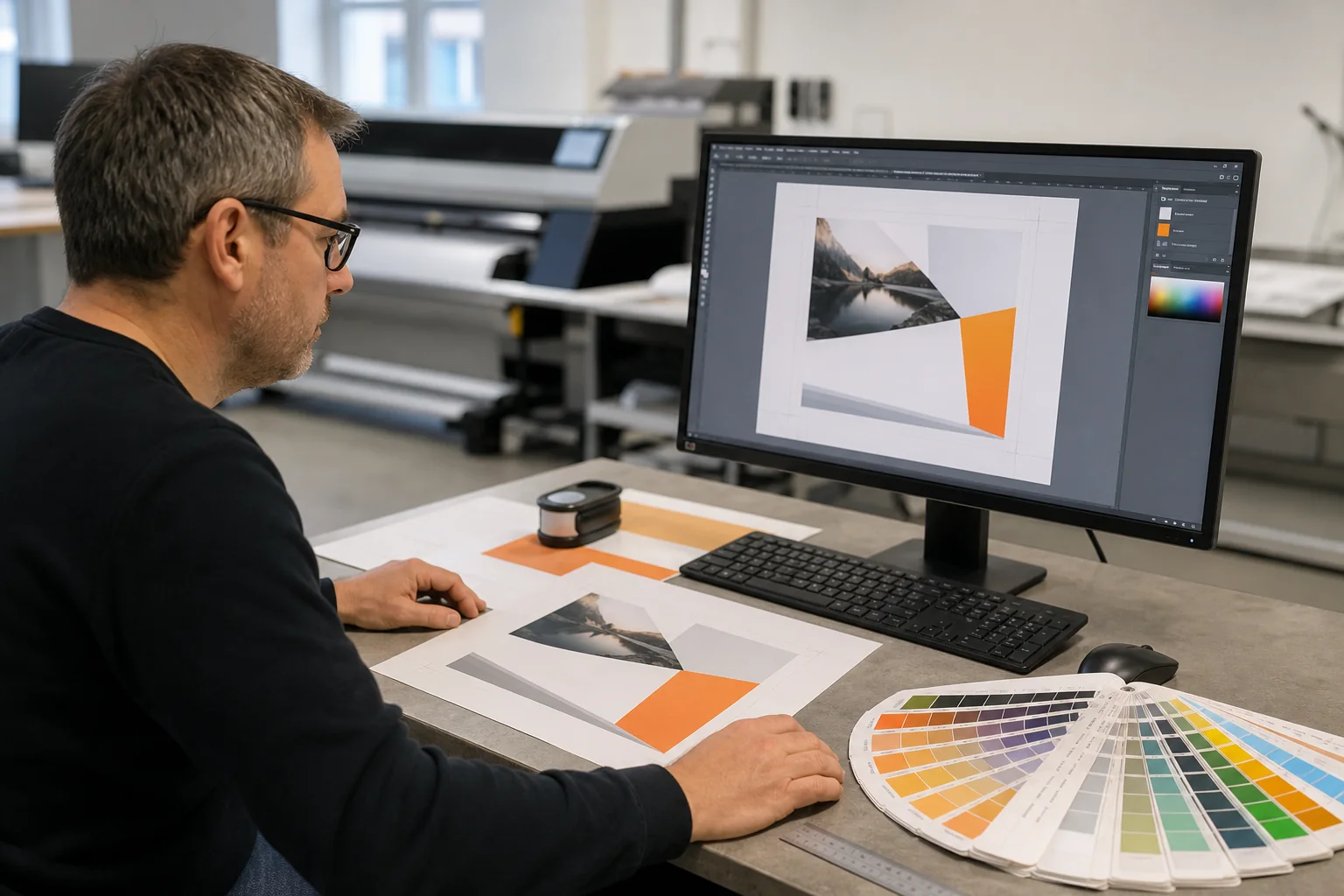
An AI concept can look convincing within seconds. For a professional flyer, poster or other printed product, however, an attractive preview is not enough. The correct format, sufficient resolution, bleed, safe margins and an editable layout are what make reliable production possible.
AI is a useful tool, not a finished design studio
We use AI where it genuinely helps: ideas, visual worlds and early creative directions. Preparing artwork for print remains a separate step. That is how an interesting preview becomes a dependable file without the generic look of an AI template.
What AI does well in design
As an ideation tool, AI can speed up the starting phase and make a visual direction tangible before the layout is developed.
- Develop image ideas, moods and unusual visual approaches
- Compare several creative directions quickly
- Generate backgrounds or illustrative elements as a starting point
- Make a desired colour palette and visual language easier to discuss
- Give the design studio a concrete reference instead of a purely verbal brief
Why a beautiful AI image is not yet print-ready
AI output is usually a flattened pixel image. Text, logos, backgrounds and individual elements are not cleanly separated, making errors, formats and content difficult to correct.
- Lettering, logos, hands, products and small details may be incorrect
- The aspect ratio often does not match the required finished size
- Looking sharp on screen does not guarantee sufficient print resolution
- Text is often baked into the image and cannot be edited reliably
- Typography, spacing and hierarchy quickly create a generic AI look
- Brand colours and recurring design elements are often inconsistent
Finished size, bleed and safe margins
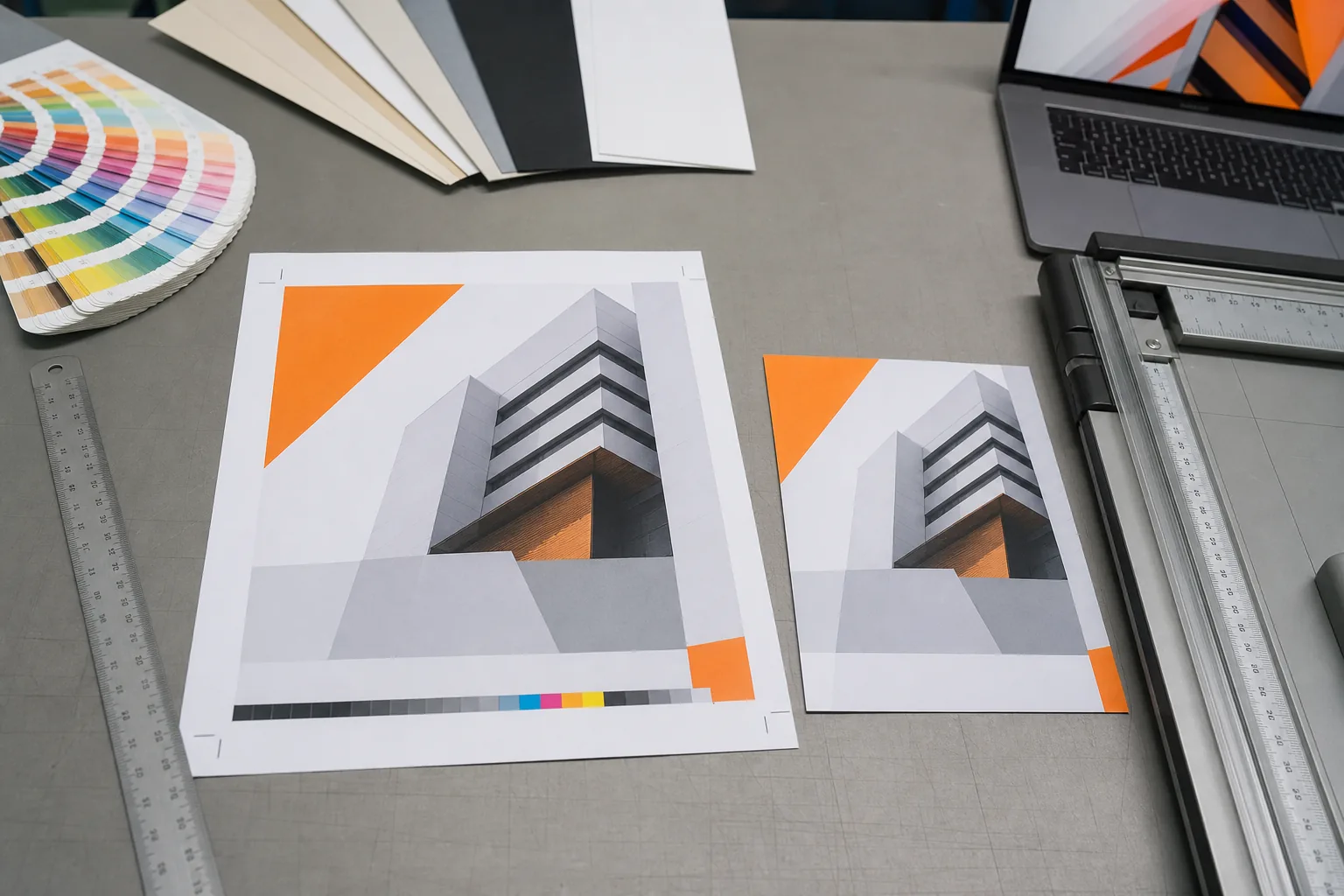
The finished size is the size after trimming. Bleed extends beyond that edge. Images, colours and backgrounds must continue into the bleed so small cutting tolerances do not create white edges. Important text and logos stay inside the finished size with a safe margin.
- Define the finished size and orientation before designing
- Add the bleed required for the specific product
- Keep text, logos and important image areas inside safe margins
- Use sufficient image resolution; 300 dpi at finished size suits many printed items
- Supply logos as vectors where possible and embed fonts correctly
- Export the final artwork as a print-ready PDF to our specification
Do not ask AI to build the entire flyer or poster
When AI generates the image, copy and complete layout together, the result often becomes cluttered, artificial and difficult to edit. It is more useful to generate only the main image or a visual direction. Headline, reading order, contact details and spacing can then be built properly in layout software.
Turning your AI preview into usable print artwork
You do not need to discard your AI concept. Show it to us if you like the direction, subject or colour mood. We assess what can be retained and rebuild the file for the chosen product.
- Send the AI preview and state the intended printed product
- Define finished size, quantity, material and purpose
- Provide final copy, contact details, logo and brand colours
- Check the quality and suitability of the supplied imagery
- Build the layout with proper typography, bleed and safe margins
- Check, approve and produce the print-ready PDF
Frequently asked questions about AI artwork and print
Can you simply print my AI image?
That depends on its format, resolution, subject and the product. We check the file and explain whether it can be used directly, adapted or rebuilt.
Can bleed be added later?
Only when there is enough image content around the design. A tightly cropped AI image often has no spare area, so the image must be extended, retouched or rebuilt.
Does a large pixel count guarantee good print quality?
No. Resolution must be judged at the actual finished size. A large image may still be insufficient for a very large print. Viewing distance and process also matter.
Can you edit incorrect text inside an AI image?
Text baked into pixels cannot be edited like normal typesetting. It is usually cleaner to retouch the area and set the wording again as proper text.
Can I send an AI preview as a reference?
Yes. It helps us understand the desired style and effect. Please also send all final copy, logos and product information separately.
Who checks whether an AI image may be used legally?
The client is responsible for approval and the required usage rights. Check the AI service terms and any recognisable brands, people or protected works.
Turn your preview into proper print artwork
Send us the concept, finished size, quantity and product. We will explain what can be used and how the file should be rebuilt for print.